How to install your P1 W1MAX Wiggy?
Posted By Saimatkong on May 5, 2009 |  9,662 views
Have you subscribed to P1 W1MAX Wiggy? Don’t know how to setup? No worries. It’s very easy with step by step guide.
Step1 : Run the installer

Step 2 : Click Next
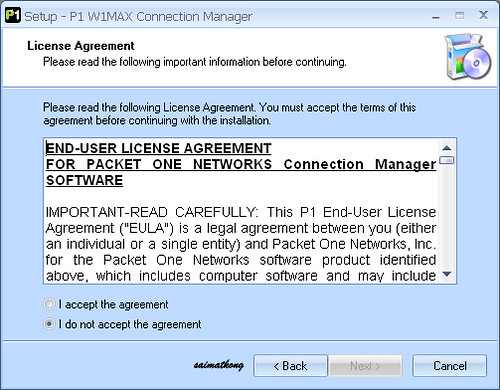
Step 3 : Click on the “I accept the agreement” (If not the next button will be disabled) After that click Next.
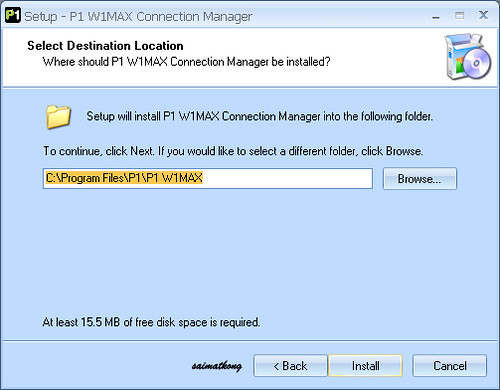
Step 4 : Choose location to be installed. You can just leave it as default “C:\Program Files\P1\P1 W1MAX” and click Install.
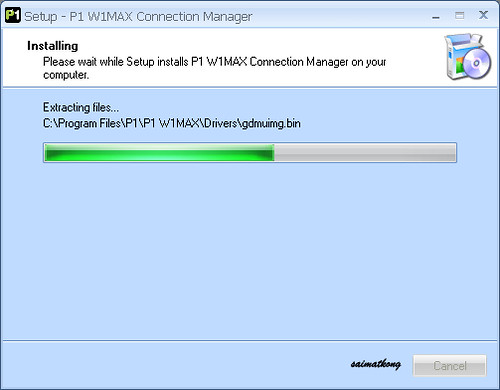
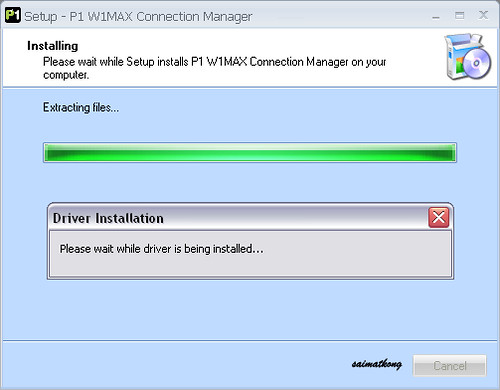
Step 5 : Sit back and relax while eating your pop corn.
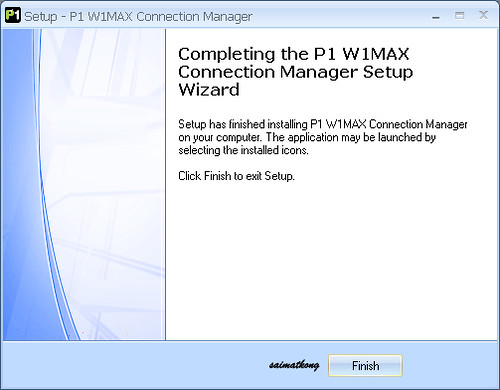
Step 6 : Done! And you are set to use your Wiggy! Just wait for it to scan for signal.
Comments
comments
Author: Saimatkong
This blog is a platform to share what I love in life: food (eat), travel (play), photography (art) and life (thoughts and ideas). With passion for food, I share my foodie adventures and indulgences here. “There is no love sincerer than the love of food.”
Traveling makes us a better human being as we recognise the similarities and celebrate the differences of cultures between where we travel to and where we come from. “The World is a book, and those who do not travel read only a page.”
Photography do more than just capturing the best moments in our lives; they also help us tell our life stories. “Photography is a way of feeling, of touching, of loving. What you have caught on film is captured forever… it remembers little things, long after you have forgotten everything.”



May 7, 2009
har..so easy one…haha..i think no problem for me to setup
May 16, 2009
For those who are thinking of getting the Wiggi please reconsider as I think the service sulks at least in my area in cheras.
The Speed advetised is 10MBPS and in small prints says from 1MBPS to MBPS. Im currently staying on the 13th Floor and P1 said that I will receive inconsistant speed at that floor. They claimed that the service is up to 10th floor only.
Yeah right if I had not been to Penang! In Penang I was able to get a bit more than 3MBPS on the 21st Floor which is fine for me and I told them of that fact.
Now in the morning will get around 0.8 to 1.5MBPS but in the evenings I get less that 0.5MBPS.
After logding a report for 2 weeks the technical team still has not got back to me.
I believe it is due to congestion problem and also the poorly skilled technical man power in the installation of the base station and also support in KL as compared to Penang.
June 23, 2009
I got it today. It is crap. The download speed is not per stipulated in the advertisement. What a flipping bunch of bull shitters. Abide by the term you describe in you advertisement, and don’t give me your 0.3Mbps connection !!!!!!!!!!!!!!!
September 12, 2011
but i cant install bcz it says the software cant support 64 bits.